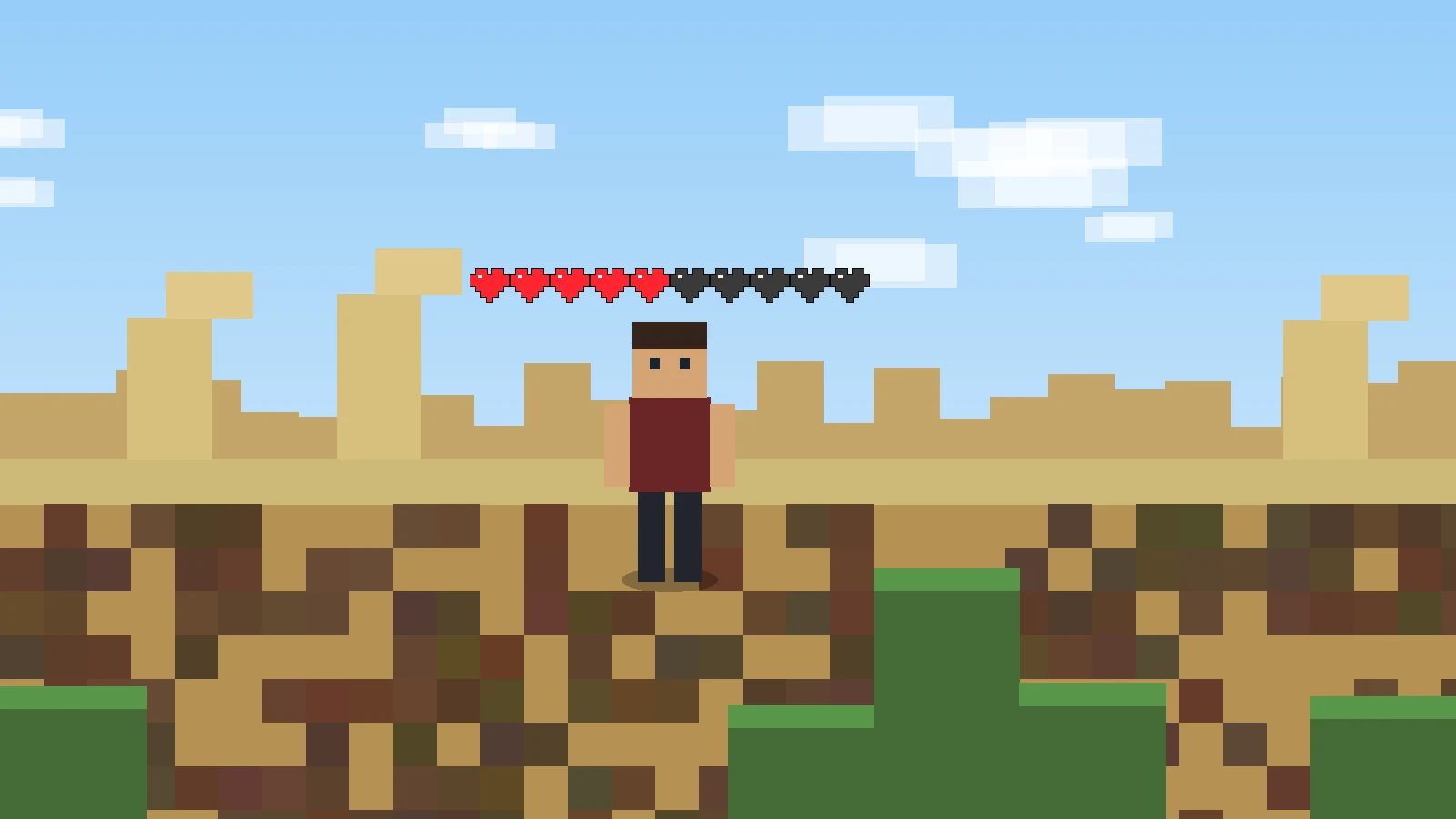
Player Health Indicator Mod 1.8.9 is a common older-version search, but the original project’s published release history does not list a 1.8.9 build. Public project activity includes a user request for 1.8.9, which is different from an official release.
A version request does not establish compatibility
When a project issue asks for a 1.8.9 port, that usually means users want support that is not already available in the main release line. Treat such requests as evidence of demand only. They should not be converted into a claim that an official 1.8.9 package exists.
Why older Minecraft versions need dedicated builds
The mod interacts directly with client rendering and Minecraft classes. Between 1.8.9 and modern releases, the modding ecosystem, mappings, loaders, rendering pipeline, and Java requirements changed substantially. A modern Fabric build cannot simply be dropped into a 1.8.9 setup.
Avoid lookalike downloads
Health indicator mods are a broad category, so other projects may offer similar heart or number overlays for 1.8.9. Verify project name, author, loader, version, and source before assuming a similarly named file belongs to PlayerHealthIndicators.
Practical recommendation for an old profile
If you must stay on 1.8.9, choose a health indicator that explicitly supports that game version and the loader used by your profile. Keep the original PlayerHealthIndicators project separate unless an official 1.8.9 port is published.
Next steps
Use the homepage for the complete feature, release, FAQ, and download overview. For a clean installation workflow, read the installation and troubleshooting guide.